
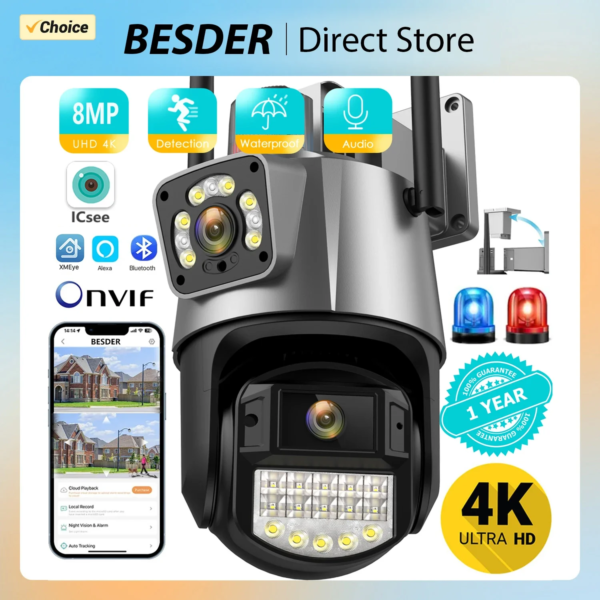
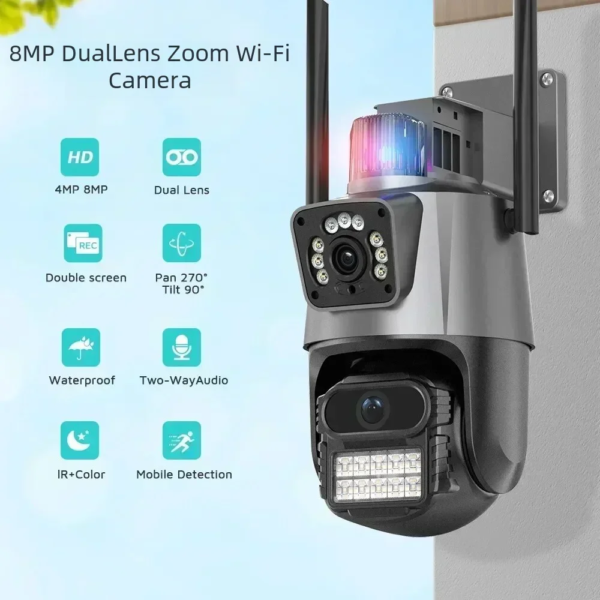
8MP 4K Wi-Fi Camera: Dual Lens Waterproof Security CCTV Video Surveillance Camera with Police Light Alarm IP Camera
8MP 4K Wi-Fi Camera Dual Lens Security Protection Waterproof Security CCTV Video Surveillance Camera Police Light Alarm IP Camera
.
4K 8MP Dual Screens Wi-Fi Camera
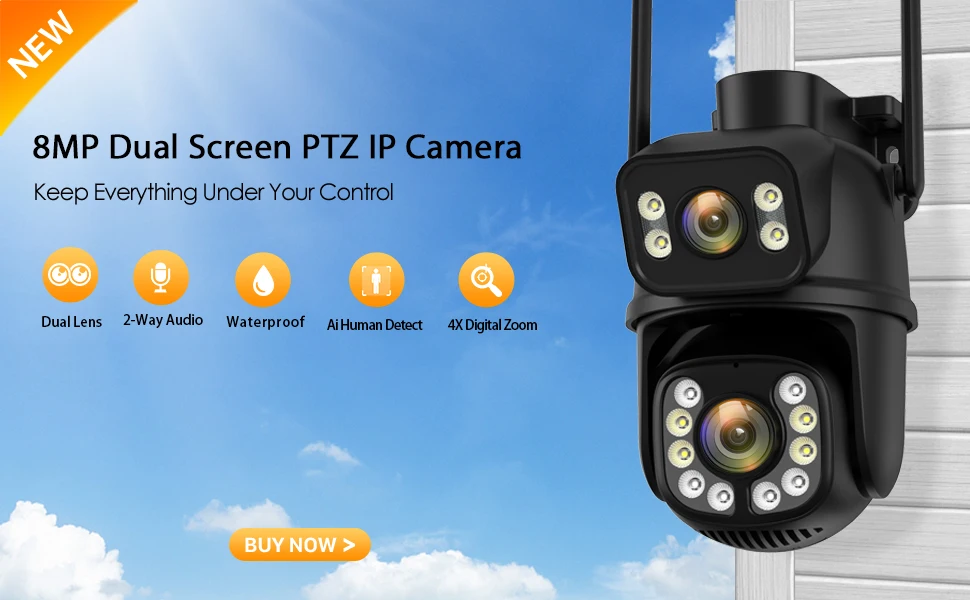
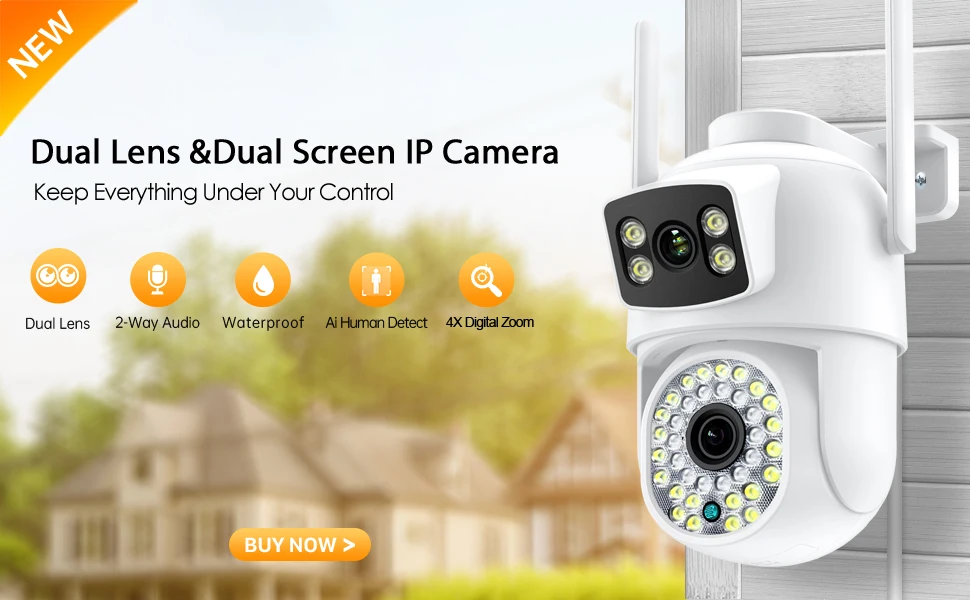
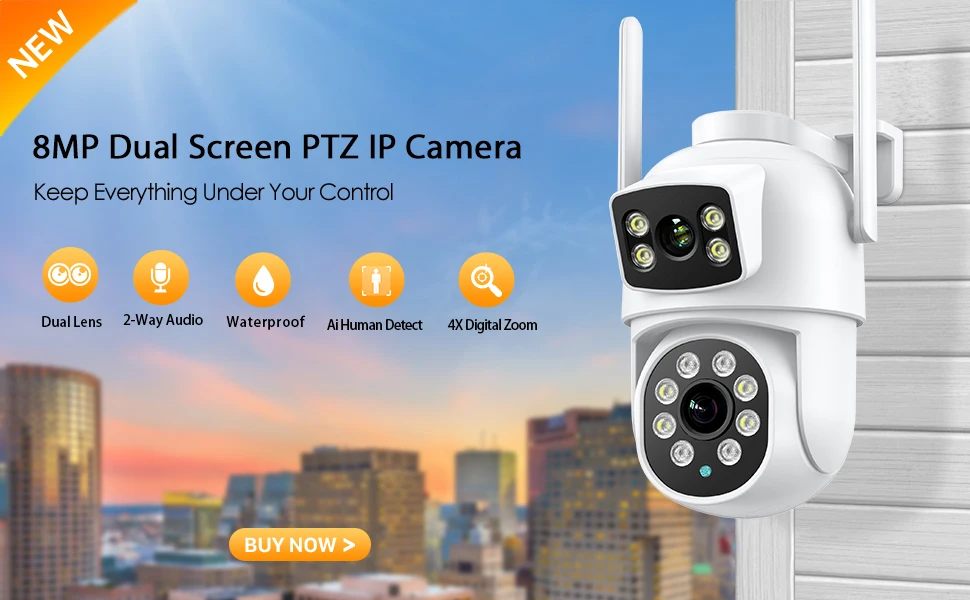
Dual-Lens with Dual Screen Auto Tracking PTZ WIFI Camera
Dual lens, Dual screen, 4x zoom, Police Light alarm, humanoid tracking, two way voice intercom 360 monitoring, full color night vision, IP66 waterproof, mobile phone remote monitoring,Share video, SD card storage, 24 hours video recording
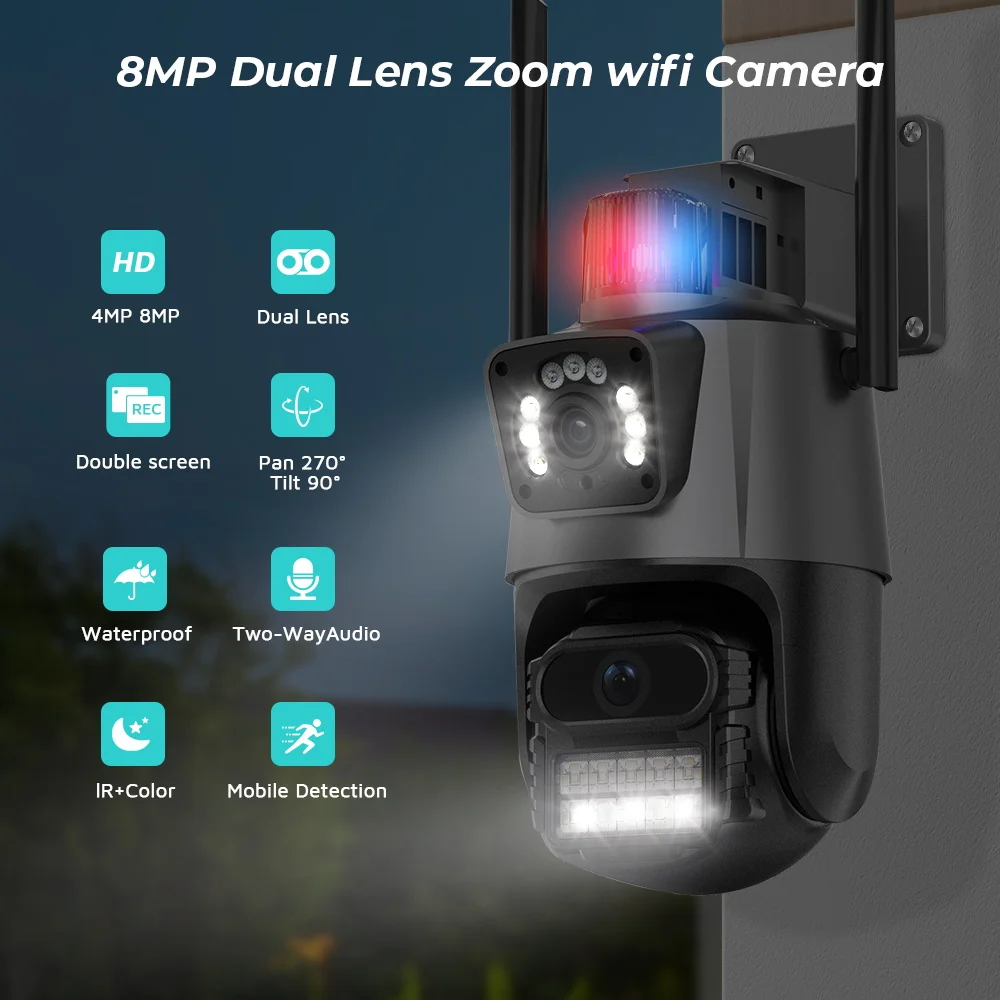
▶ 8MP 4MP Resolution Option
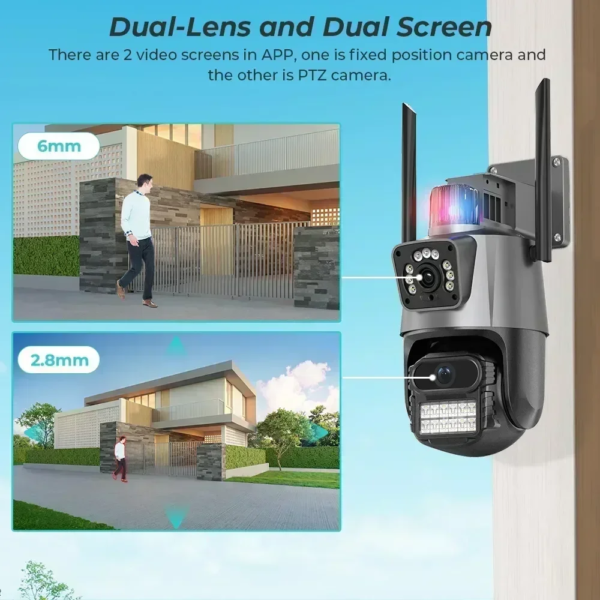
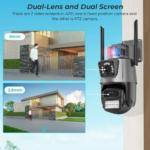
▶ Dual-Lens with Dual Screen
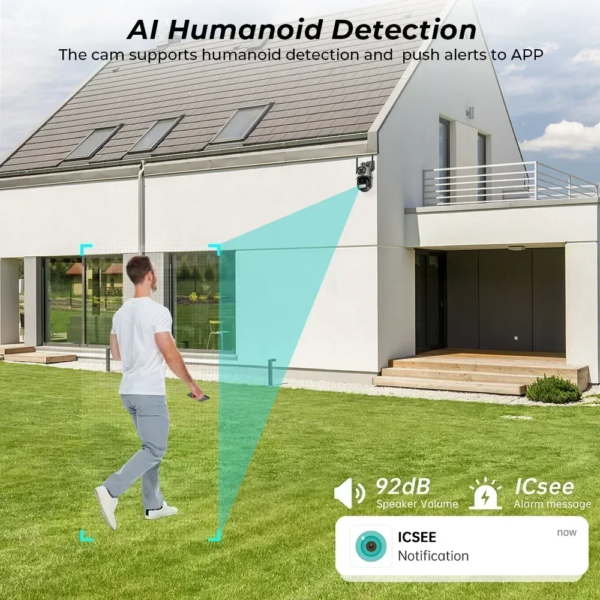
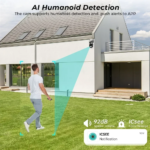
▶ AI human detection Alarm
▶ 3.6mm Dual lens camera system
▶ 20~25 meters Colorful/Black White Night Vision
▶ Enhanced dual antenna penetration ability
▶ Pan 270 degree/ Tilt 90degree
▶ Two-Way Audio Talk Speak Real Time
▶ Motion Detection and Alarm Tone Function
▶ 2.4Ghz Wi-Fi and Wired Connection two Mode
▶ AP Hotspot Mode Access
▶ Waterproof IP66 Use for Outdoor
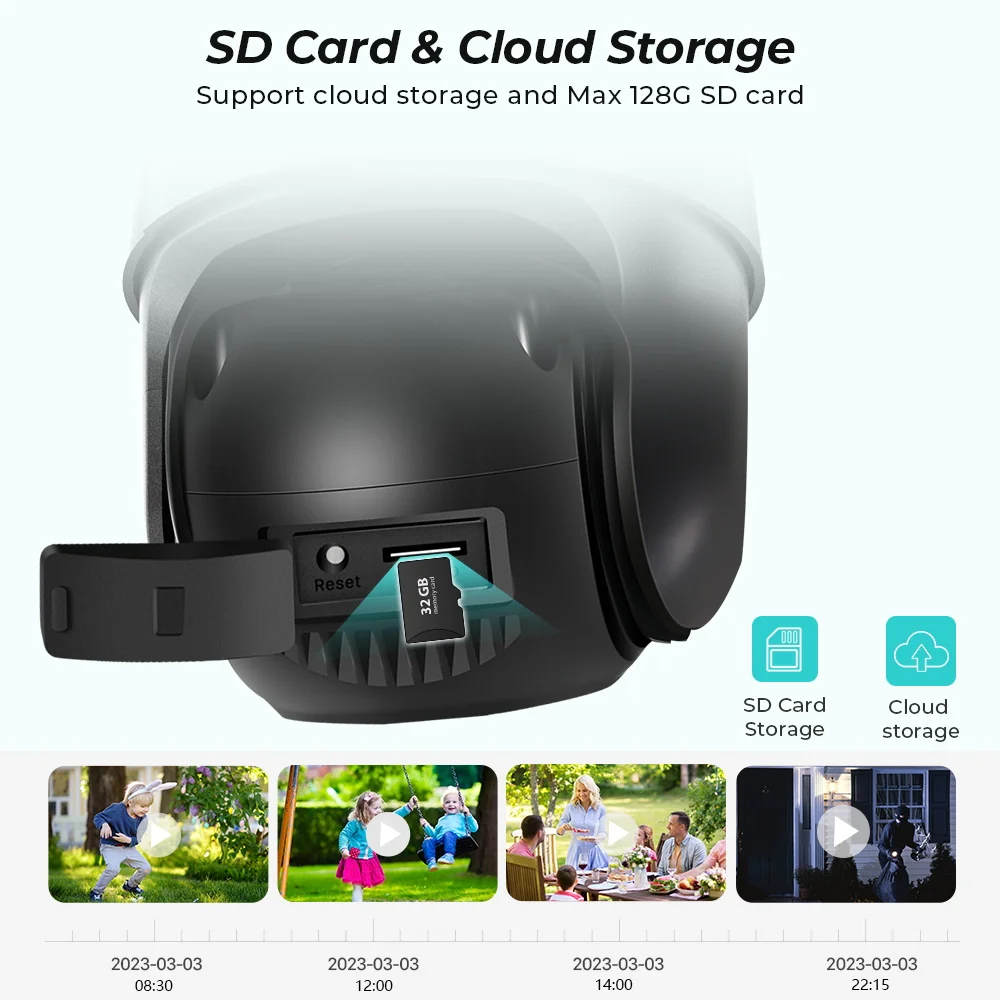
▶ TF Card Slot Support Max 128 GB
▶ Encryption security cloud storage
▶ Remotely View via the App iCSee on Smartphone
Packing List:
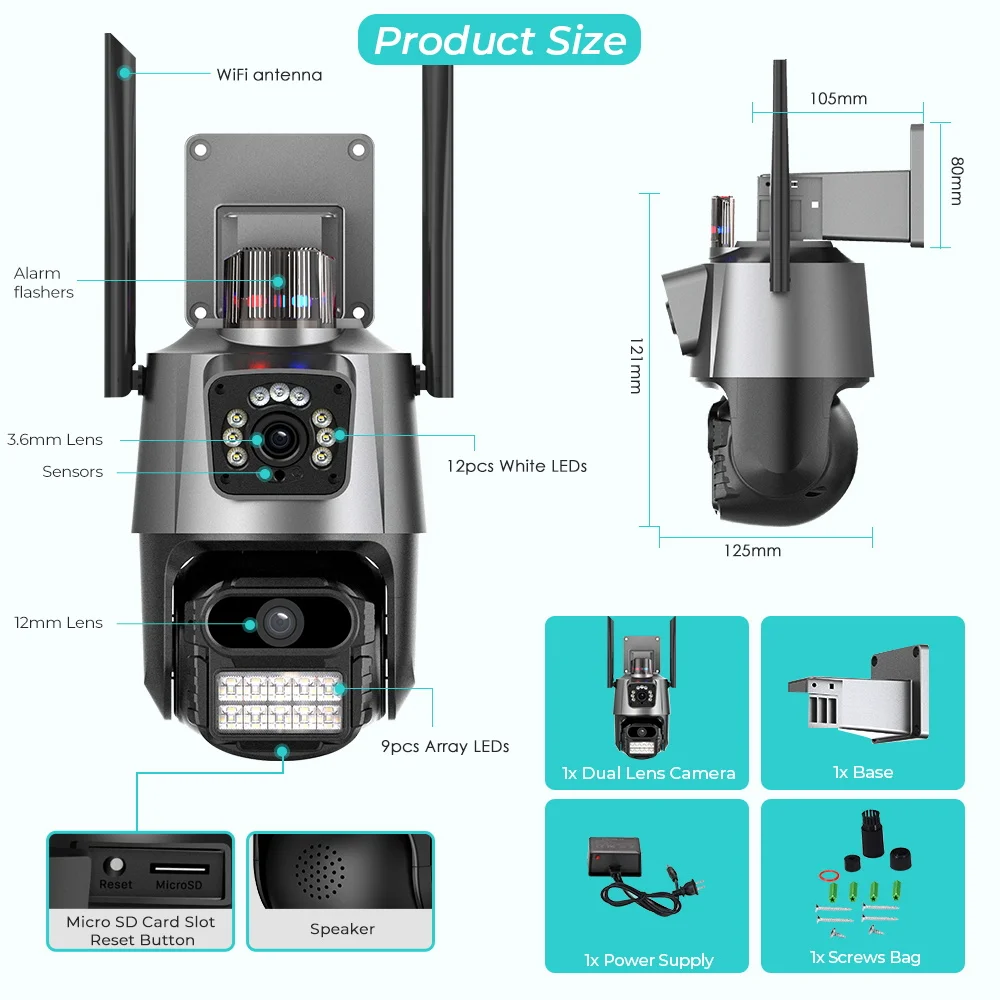
▶ 1 x PTZ Camera
▶ 1 x User Manual
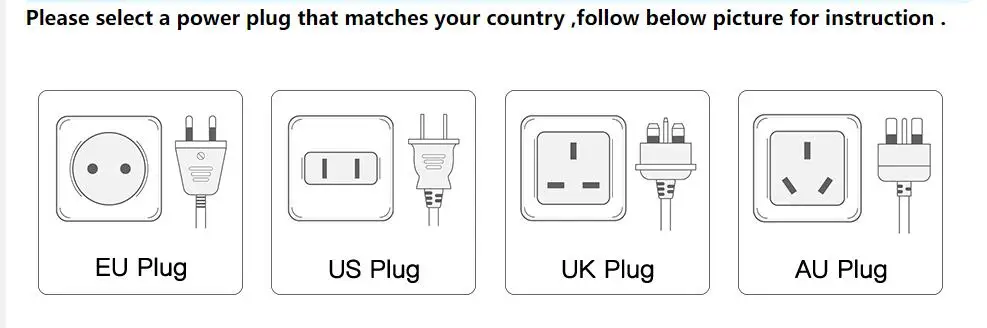
▶ 1 x Power Supply
▶ 1 x Screws Bag
Warm tips: The SD Card is optional 🙂
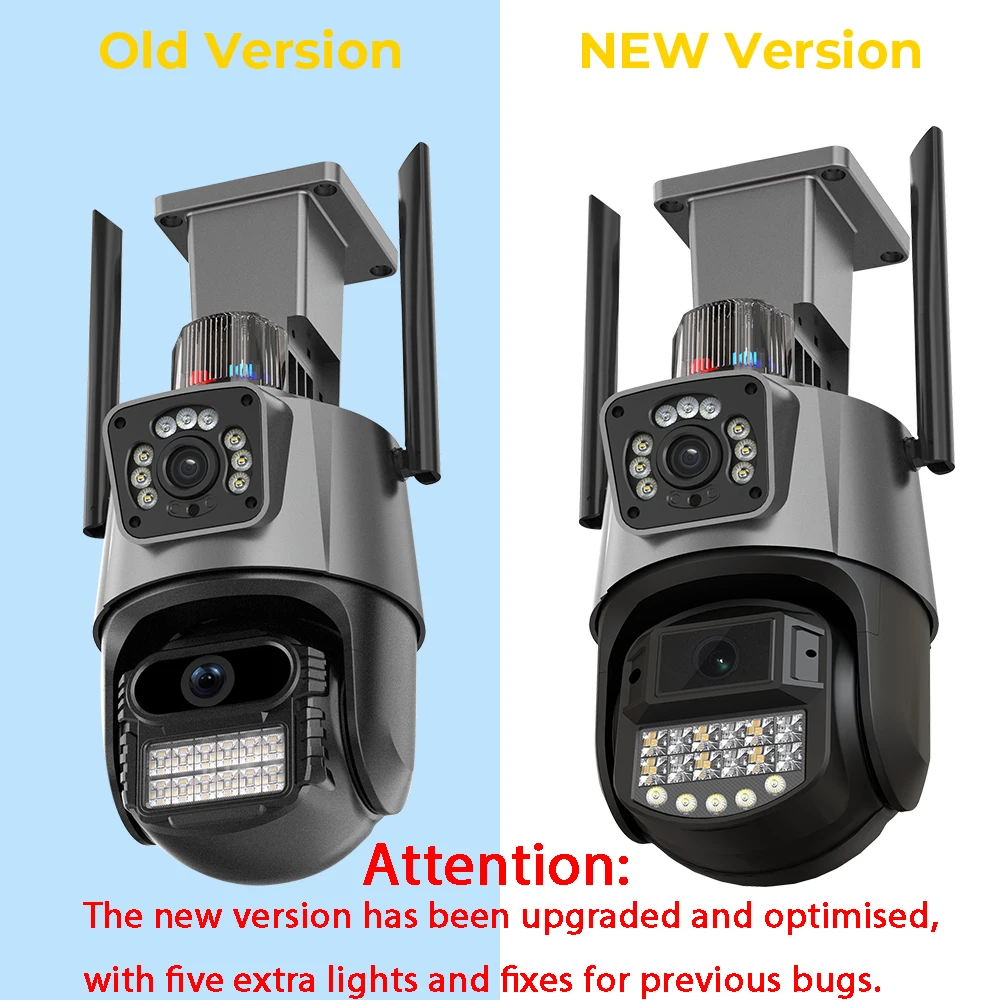
Notice Before Purchase:
▶ The new version has been upgraded and optimised, with five extra lights and fixes for previous bugs.
▶ Except the shape, all functions are same between old version and new version.
Note: We send the latest version of the camera if you order now!
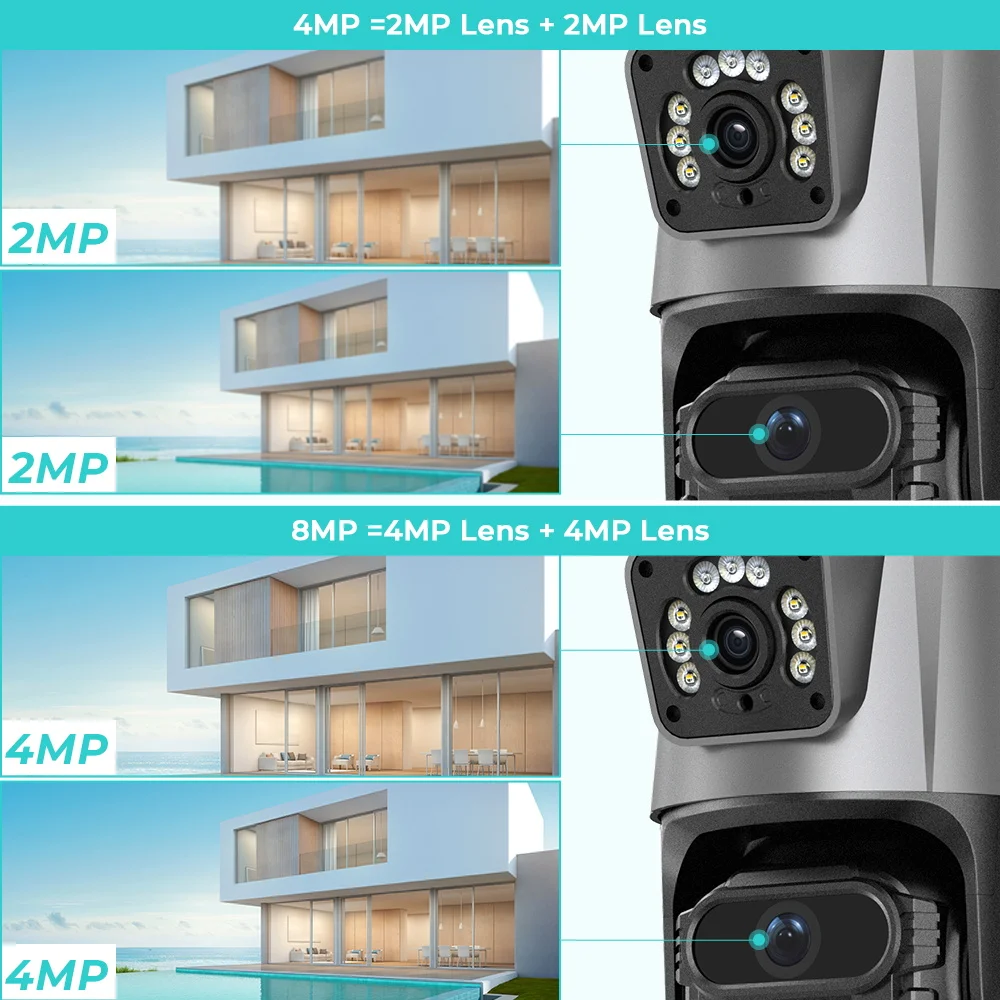
4MP 8MP comparison
▶ 4MP camera version:
Means that the single lens is 2MP, so the dual-lens is 2MP + 2MP = 4MP
▶ 8MP camera version:
Means that the single lens is 4MP, so the dual-lens is 4MP + 4MP = 8MP
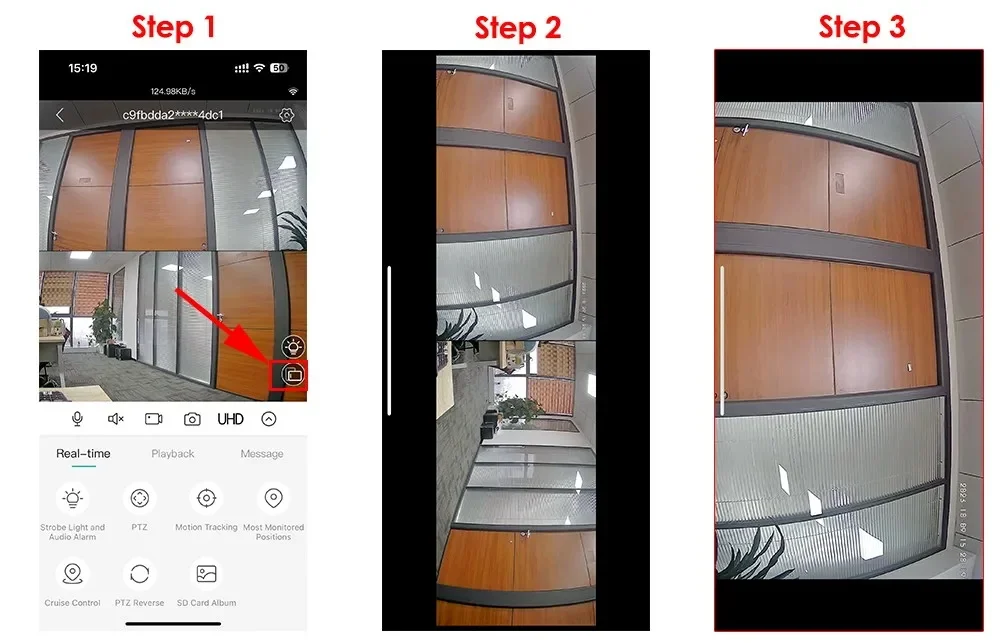
The Steps of 4X Digital Zoom for Wi-Fi Camera
① Please switch the video to landscape mode in the icsee app
② Tap the video on the left or right with both hands,
③ It becomes a big screen with a single video screen
④ Then you can zoom with 2 fingers
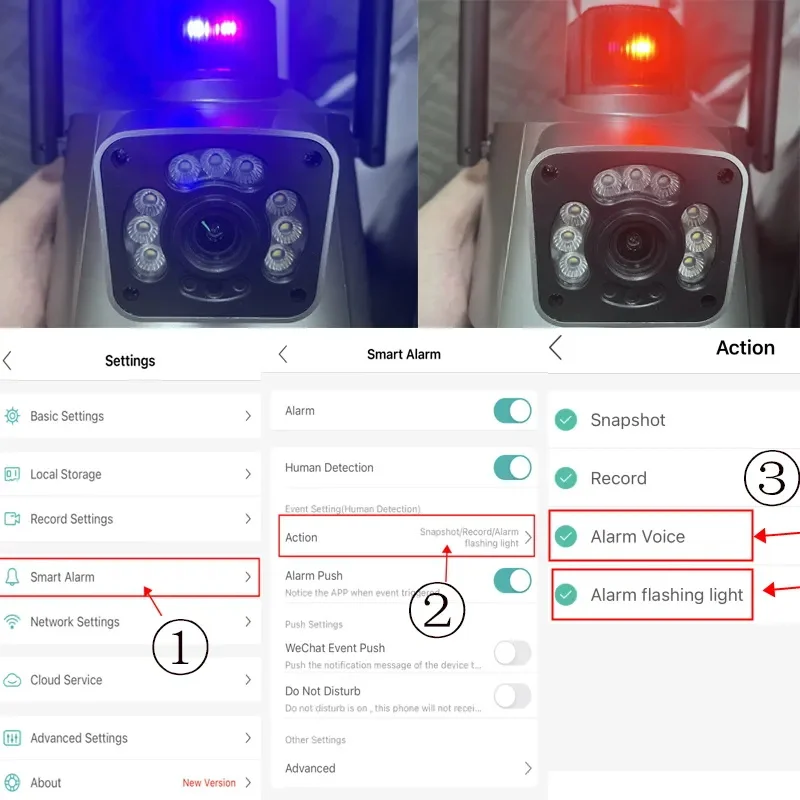
How to set Alarm Flashing Light and Alarm Voice in icsee app
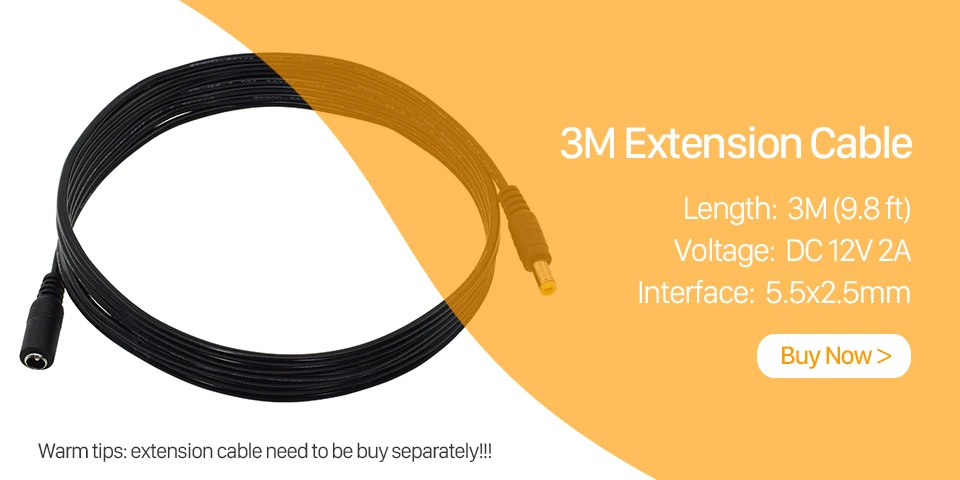
You might need such extension cable
This cable is not included , if you need , you could click this image to buy one directly !
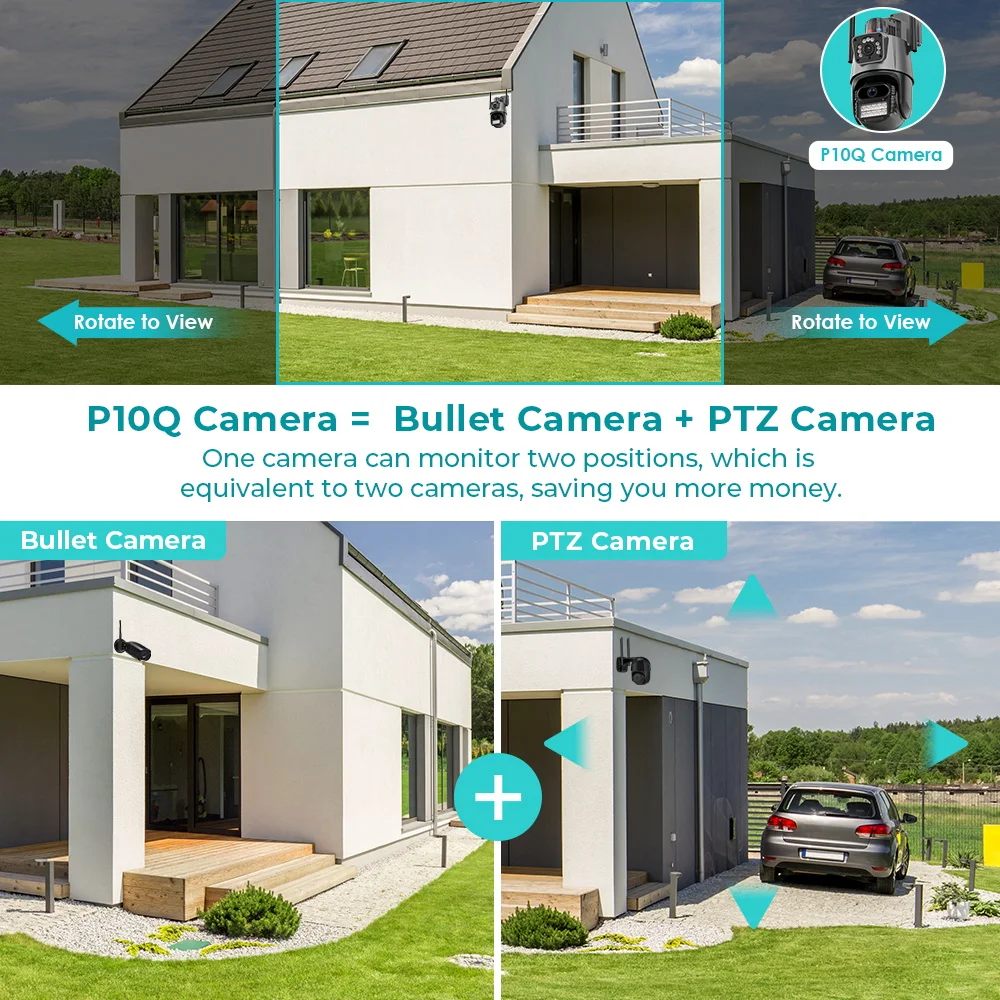
Dual Lens and Dual Screen
there are 2 video screens in APP, one is fixed position camera and the other is PTZ camera.
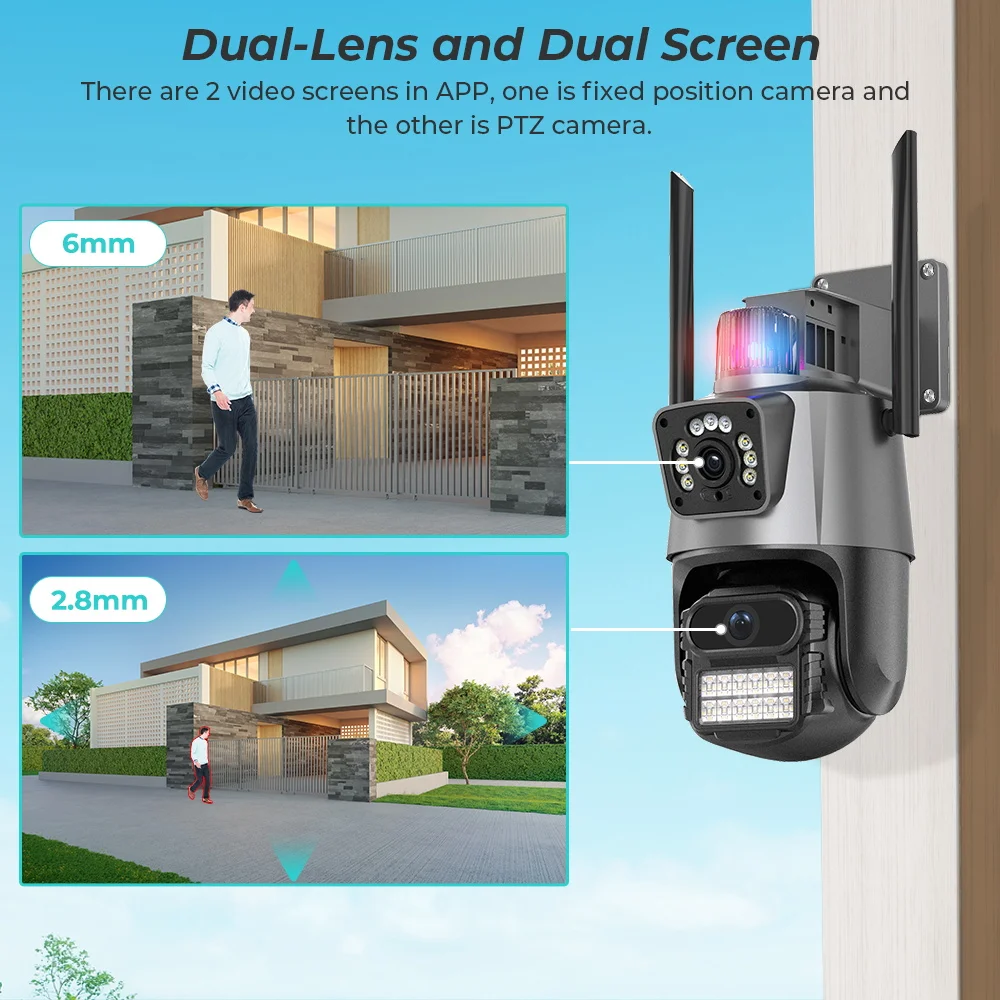
Dual Screen Live video
one camera can monitor two positions, which is equivalent two cameras, saving you more money.
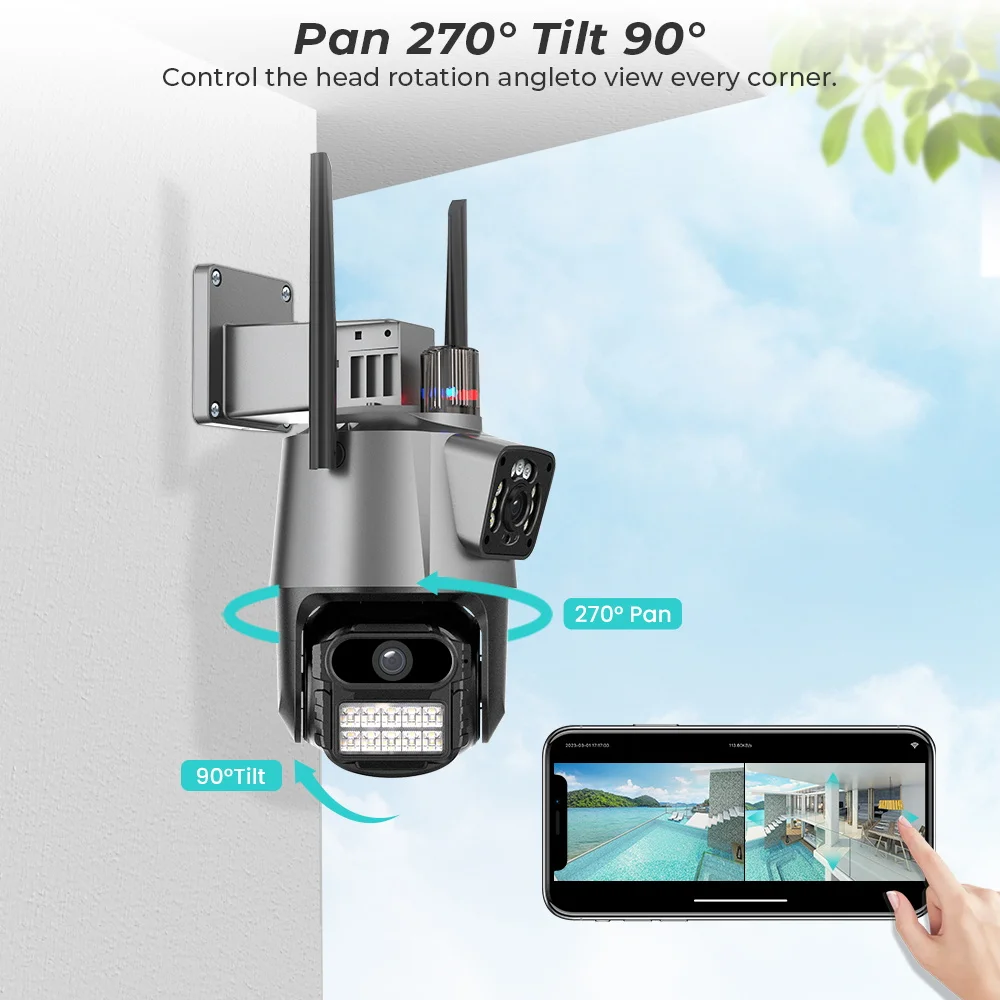
270° Pan & 90° Tilt Rotate
Rotates 270° Horizontally and 90° Vertically .
You can control it in the ICSEE app directly whenever you want and wherever you are .
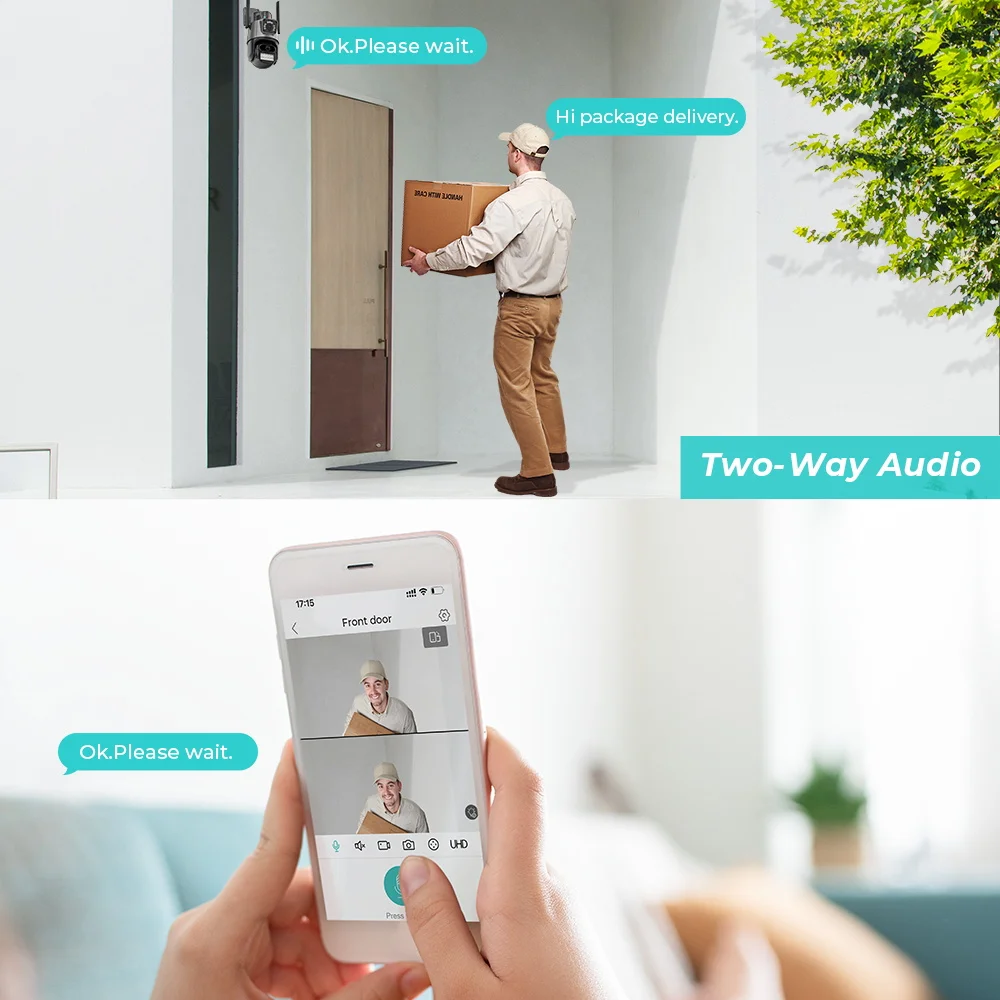
Real Two Way Audio
Built-in microphone and speaker / Customized new speakers with loud volume .
You could talk to anyone nears the camera ( Warn someone to leave your house )
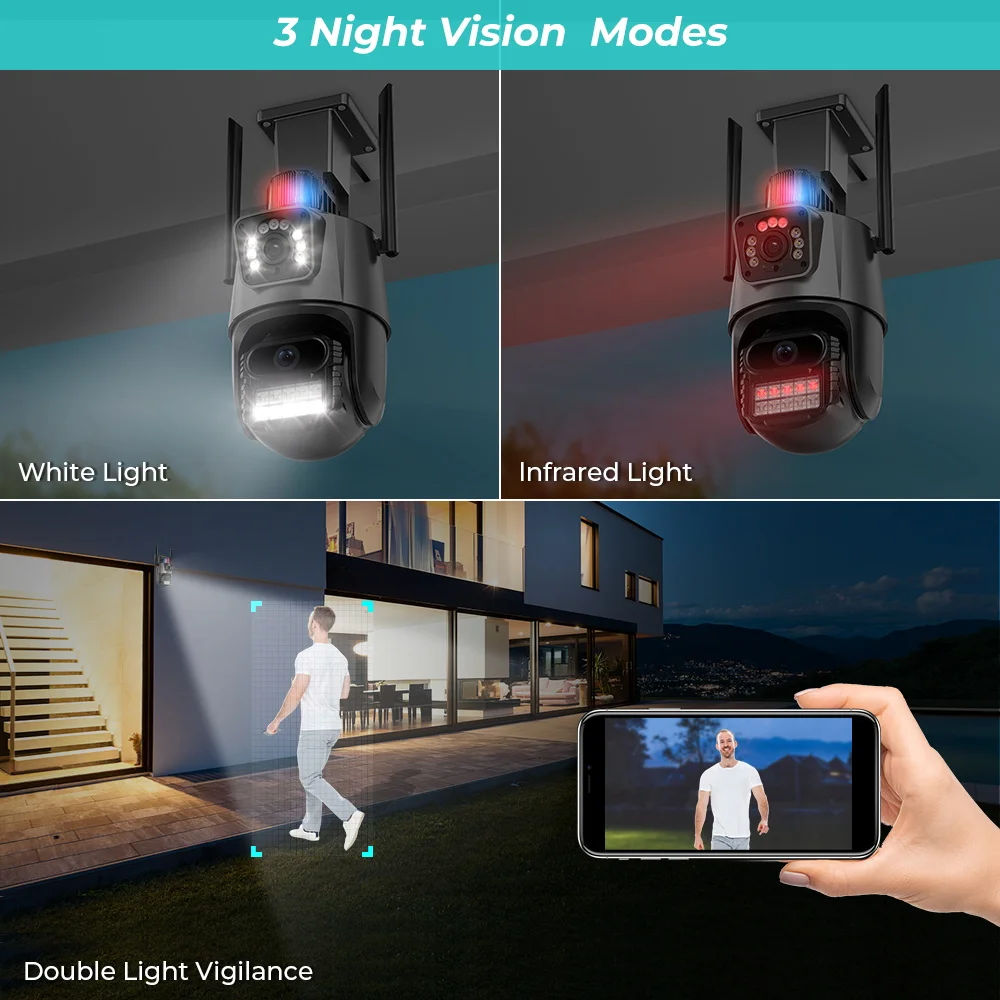
Smart Dual Light Modes
Monitor moving objects, automatically illuminate. This is an impressive little weapon against crime .
Camera could show colorful vision at night too , there are three night modes for you to select .
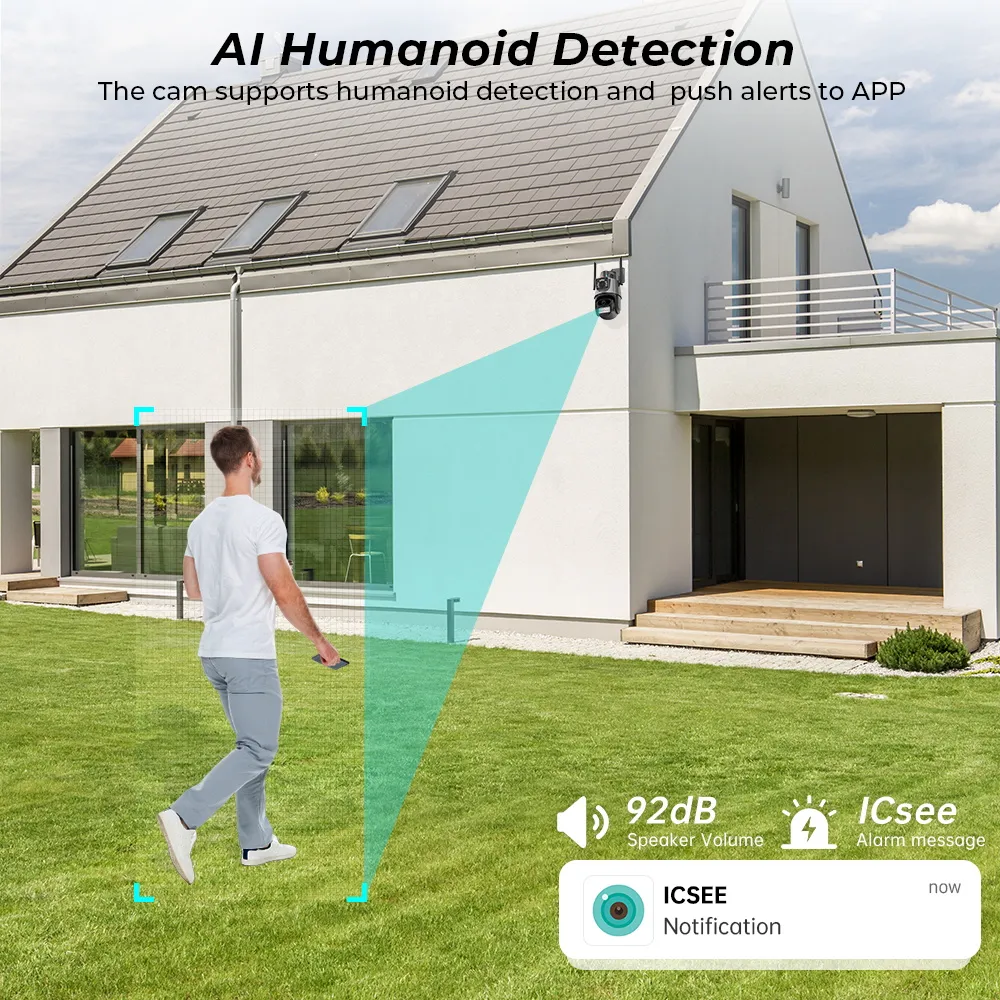
AI Human Detection Alerts
Quickly finds human targets and immediately sends a notification to your phone, letting you see what happens anywhere. It only detects the human shape and will not trigger falsely for objects such as cars and trees.
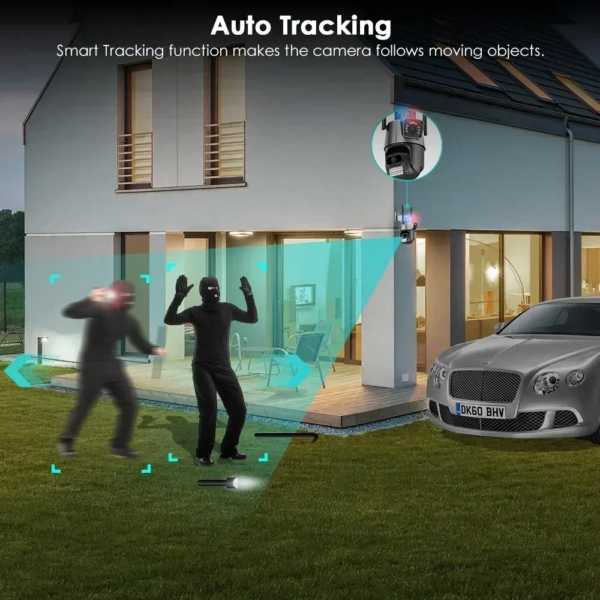
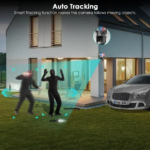
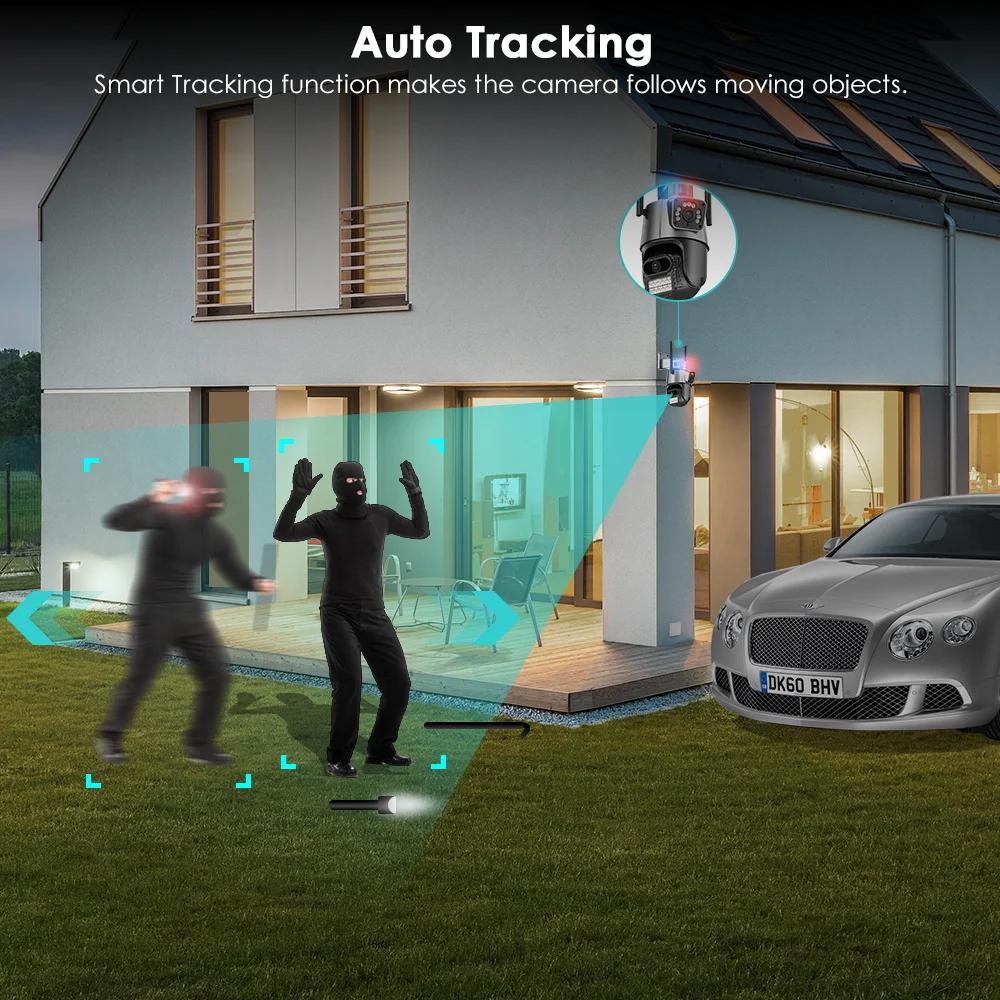
Ai Auto Tracking
When someone passes through the protected area, the camera will detect the person’s movement and follow the person.
Support TF Card Storage and Cloud Storage(Need Pay For)
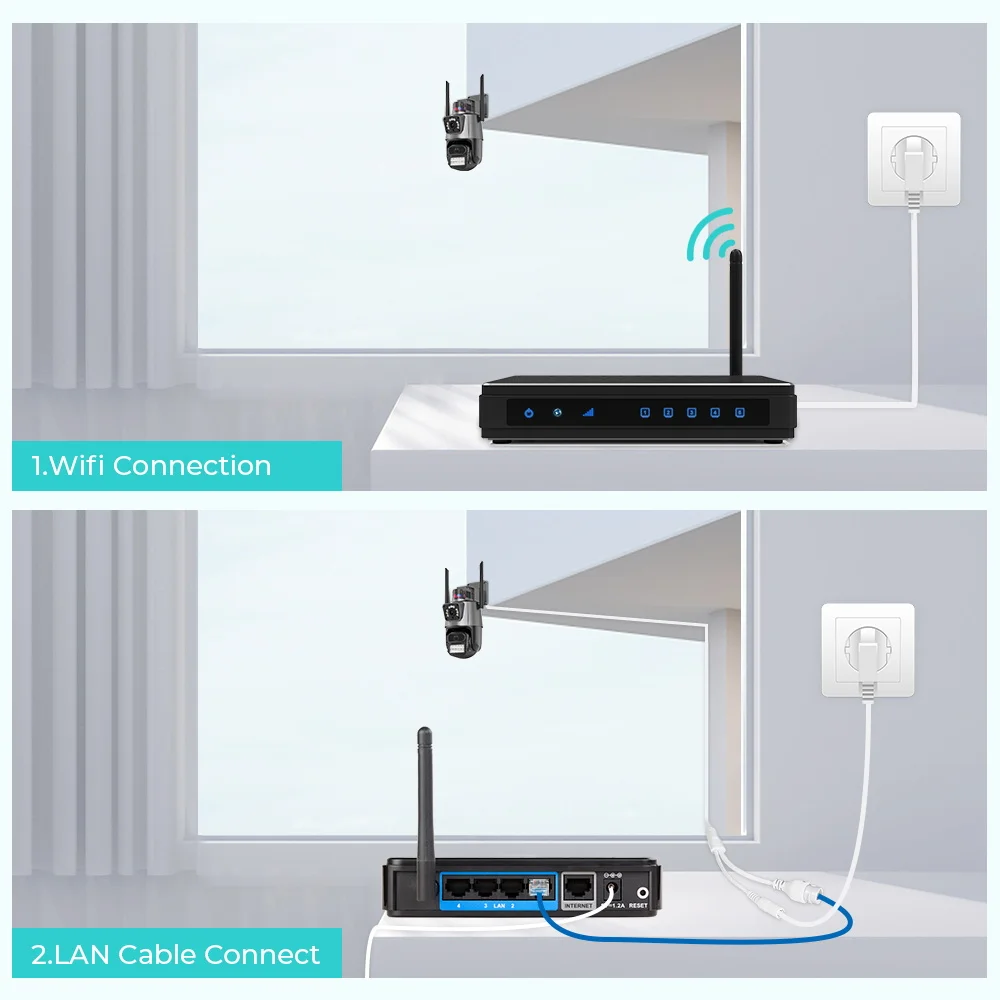
2.4Ghz Wifi Connection & LAN Connection
Powered by DC12V adapter, You can connect the camera to Wi-Fi network. you can setup wifi connection of the camera or LAN Search with network cable connected to router, work with 2.4G wifi only (Does not support 5G)
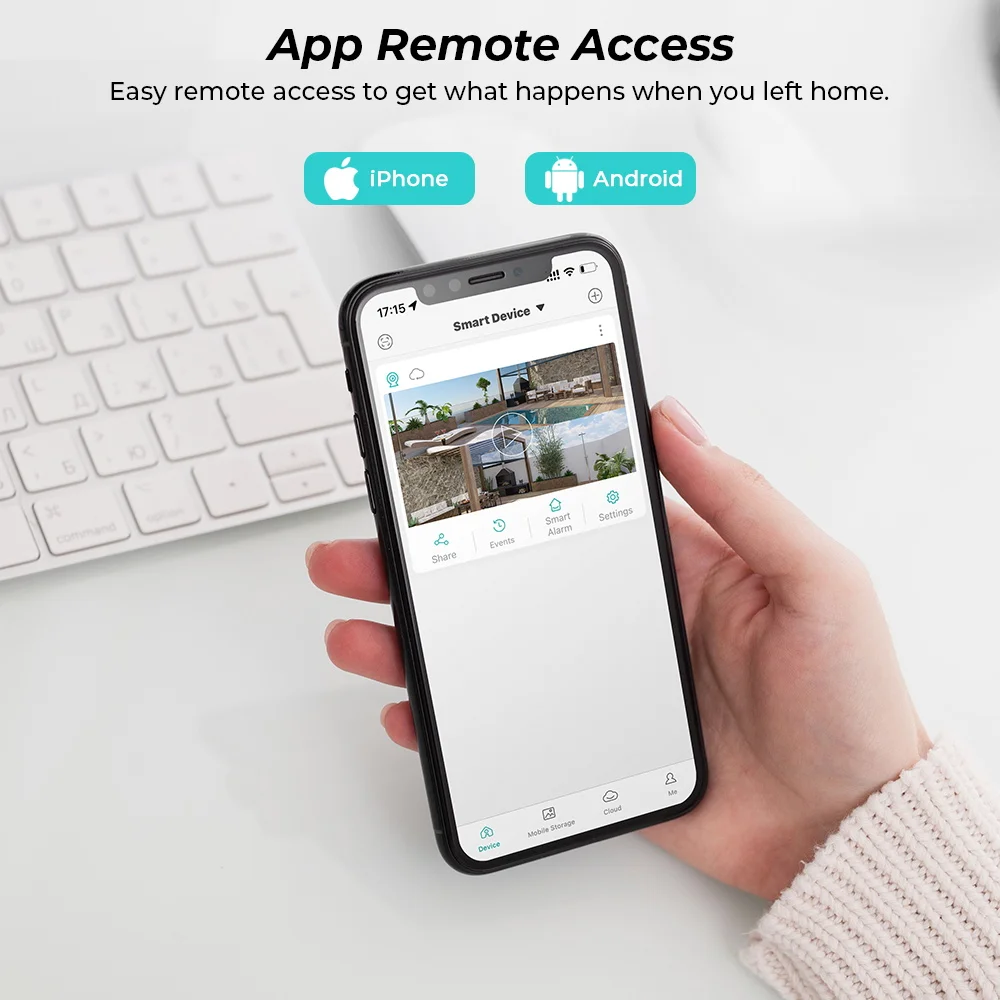
ICSEE App Remote Access
Share the same Vision with your families , let all of you protect and pay more attention to your house.
P2P technology let you be able to view the live situation of your house wherever you are , just with the P2P account on the app via your Smartphone or tablet .
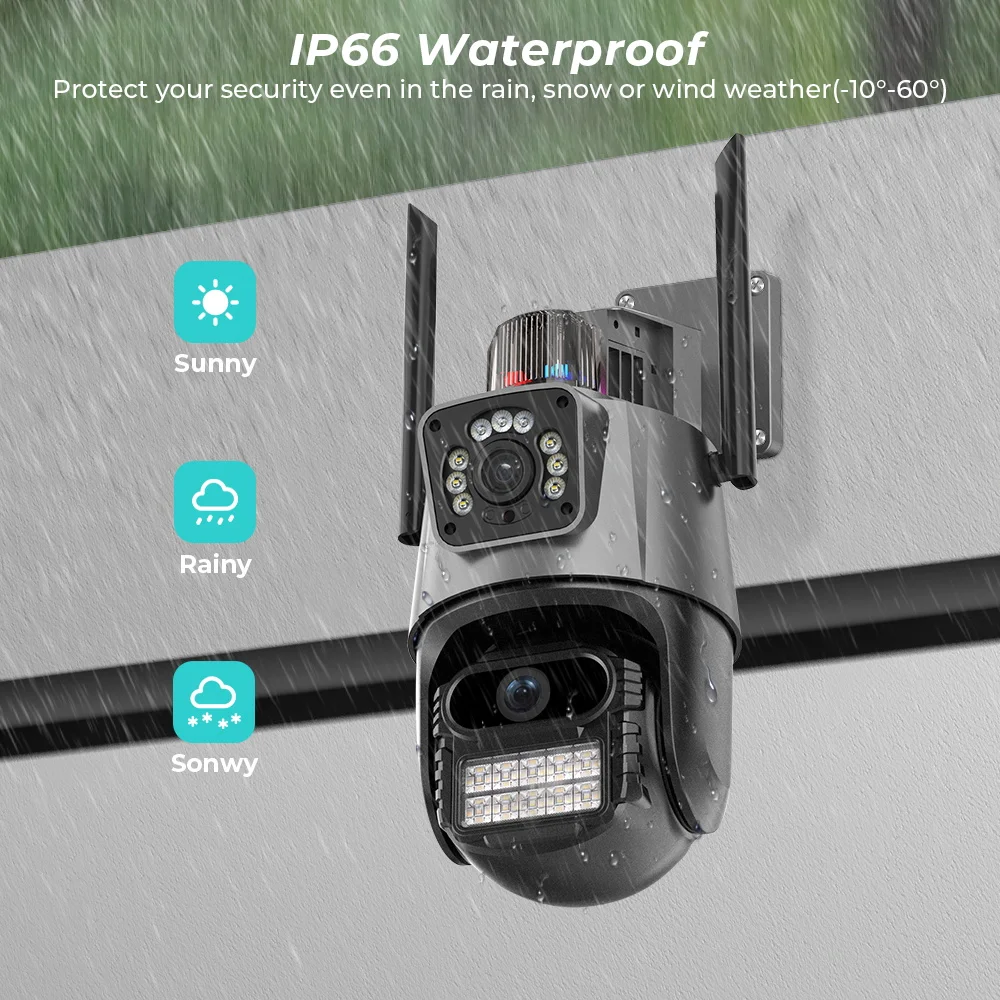
IP66 Waterproof / Dustproof
The camera case is made of high-quality ABS plastic , which is waterproof, sun-proof and dust-proof. It is suitable for any environment .
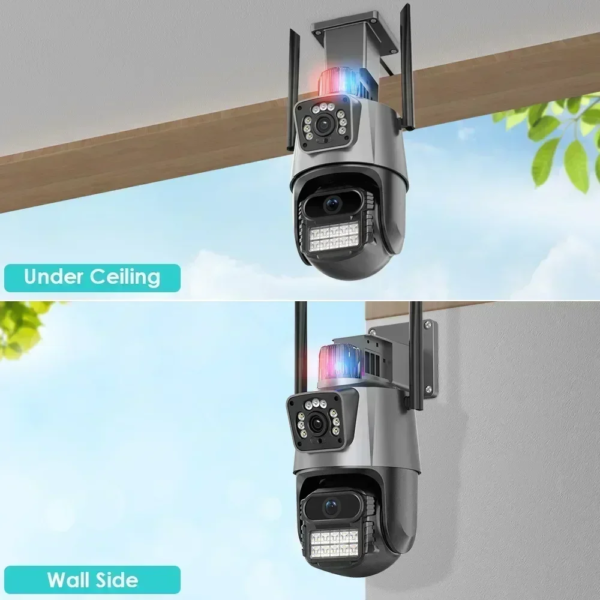
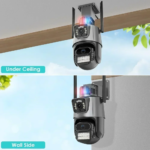
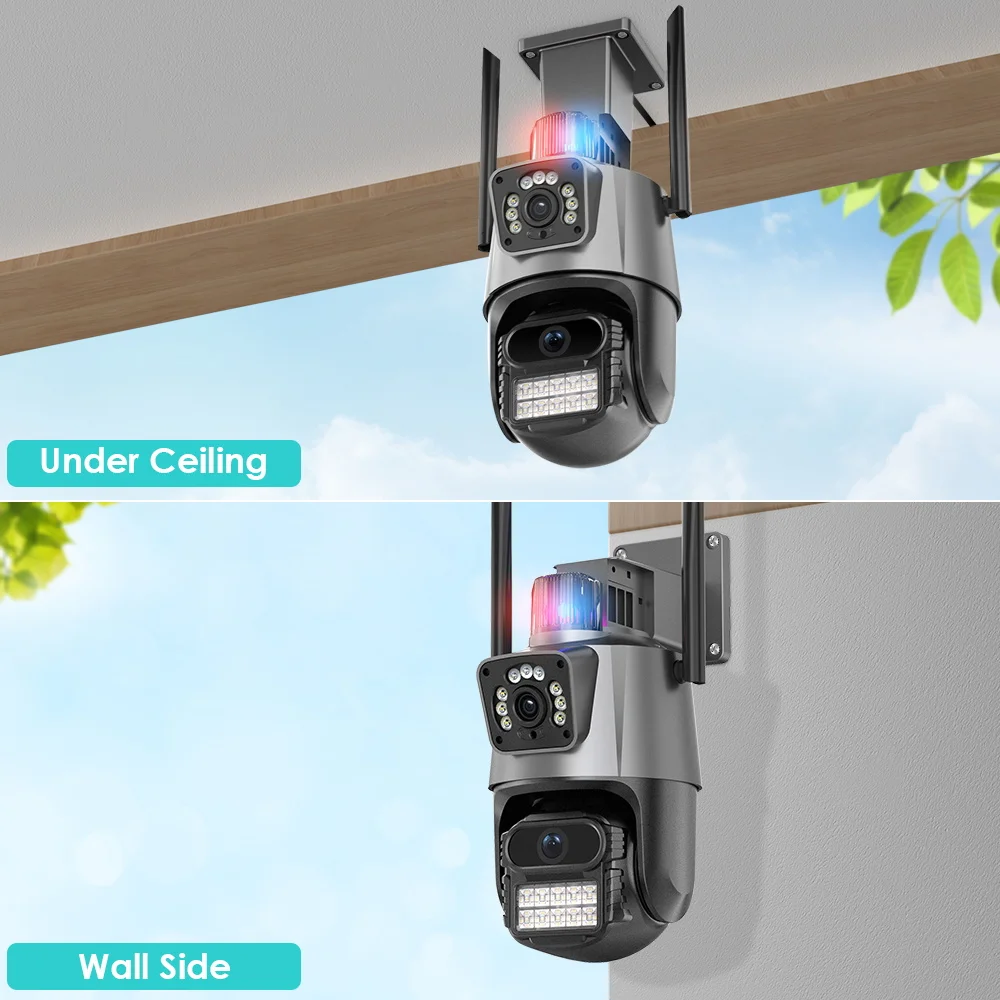
Wall or ceiling mounting
The Wi-Fi Connection Can Be Removed From The Traditional Camera Wiring Trouble, Easy To Install To The Location You Want To Install.
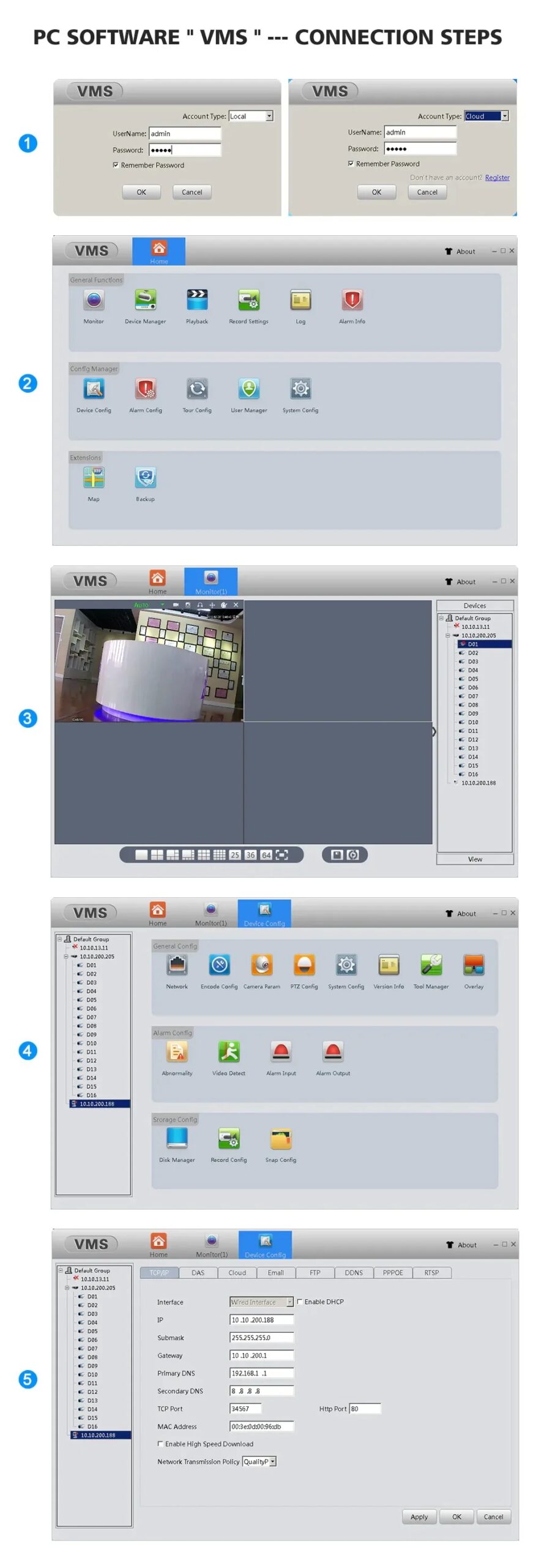
How to Configure the Camera in VMS Software
① The username and password of VMS software are both admin
② Find the complete serial number, password and user name in the icsee app and enter it into the VMS software and add it successfully
③ Double-click the serial number to watch online in real time
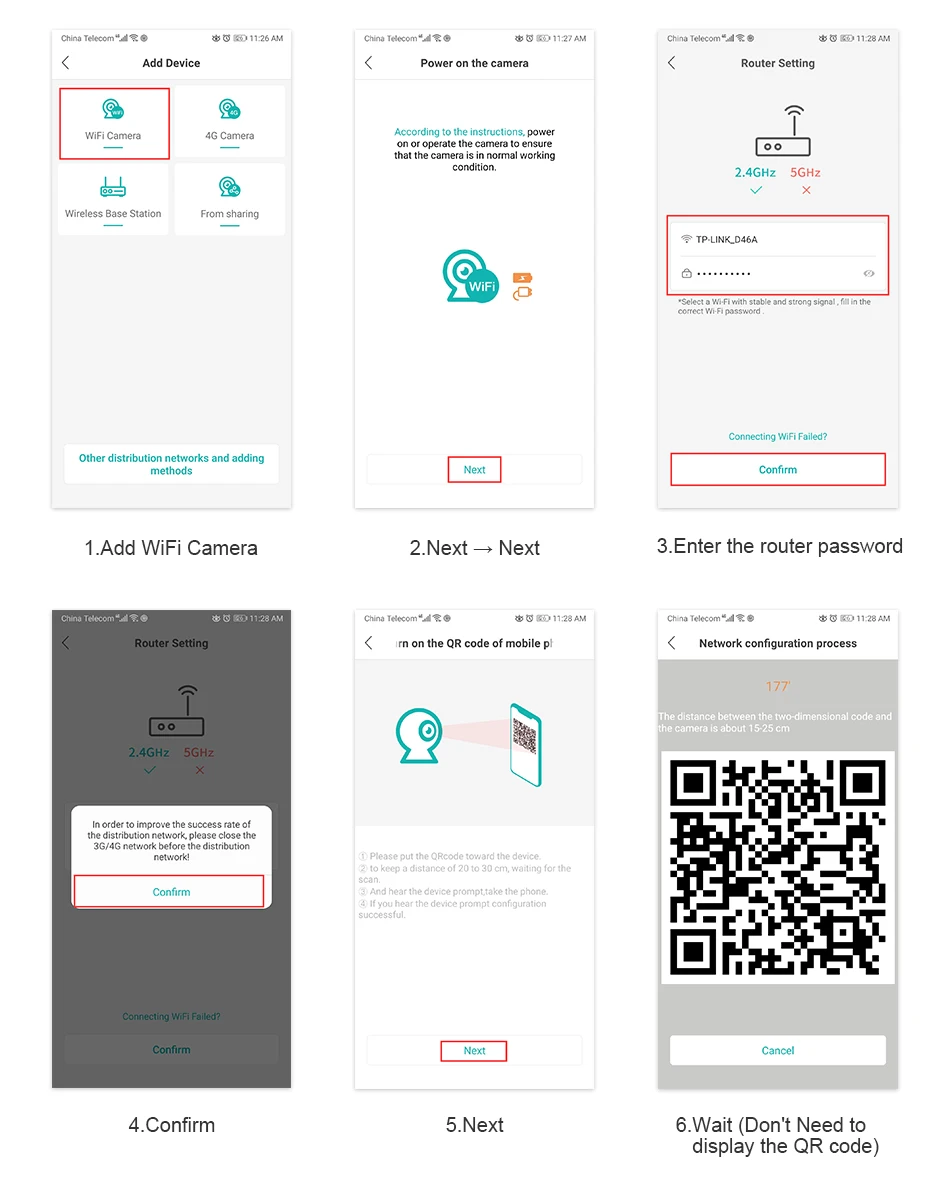
How to Configure the Camera in the iCSee App
① Download icsee app from Google Mall or other software malls
② There is a reset button at the bottom of the camera. Press and hold the reset button for 10 seconds. When you hear the sound of a successful reset, the camera has been reset successfully.
③ Connect the camera through the 2.4G HZ Wi-Fi network band, follow the 6 steps in the picture to connect, and you can configure it successfully.
✨ GET YOURS NOW ✨
TREE & SHAÐOW
~ BY SHOPPER FOR SHOPPER ~



































Reviews
There are no reviews yet.